You can’t understand VR gameplay by watching someone else play it on YouTube.
I know that sounds frustrating. You’re trying to figure out if VR is worth buying, and every video you watch just shows a flat screen with someone flailing their arms around.
Here’s the thing: VR gameplay isn’t about what you see on a monitor. It’s about what you feel when you’re inside the game.
The scale hits different. A dragon isn’t just big on your TV. It towers over you. You have to look up to see its head.
Your body becomes the controller. You don’t press a button to swing a sword. You swing your arm.
I’ve spent years inside VR headsets at vrstgameplay, and I can tell you the gap between watching and playing is massive. But I can help you bridge it.
This guide breaks down what VR gameplay actually feels like across different game types. I’ll show you how to watch VR videos and understand what the player is experiencing (not just what the camera captures).
By the end, you’ll know if VR gaming matches what you’re looking for. No hype. Just the real experience explained in a way that makes sense before you spend money on a headset.
The Pillars of Presence: What Makes VR Gameplay Unique?
You know that feeling when you’re watching a movie and something makes you flinch?
Now multiply that by ten.
That’s VR. But most people don’t really get what makes it different until they try it. They think it’s just gaming with a headset on.
It’s not.
Let me break down what actually happens when you step into virtual reality.
Full Immersion and Scale
Picture this. You’re looking at a mountain on your monitor. Cool screenshot, right?
Now imagine standing at the base of that same mountain. You have to tilt your head back to see the peak. The rock face towers over you in every direction.
That’s the difference.
VR uses 360-degree visuals and stereoscopic 3D (basically, each eye sees a slightly different image, just like real life). Your brain processes this the same way it processes the actual world around you. The scale feels real because your visual system thinks it is real.
1:1 Hand Tracking and Interaction
Forget button mashing.
In VR, your hands are your hands. When you reach out to grab something, you actually reach out. You see your virtual hand move exactly where your real hand moves.
Want to reload a weapon? You physically eject the magazine and slot in a new one. Drawing a bowstring? You pull your hand back to your ear like you would with a real bow.
It sounds simple, but it changes everything. Your muscle memory kicks in. The actions feel natural because they are natural.
Room-Scale Movement
Your body becomes the controller.
Need to take cover? Duck behind that wall. Want to peek around a corner? Lean your head out and look.
Most which gaming mouse pad to chooose vrstgameplay setups let you walk around your play space, and that movement translates directly into the game. Take three steps forward in your living room, and you take three steps forward in the game world.
No joystick. No WASD keys. Just you moving like you normally move.
(Yes, you’ll probably bump into your coffee table at least once.)
3D Spatial Audio
Close your eyes for a second.
Can you tell where sounds are coming from in your room? Behind you? Above you? To your left?
That’s spatial audio. VR does the same thing.
Footsteps approaching from behind actually sound like they’re behind you. A helicopter overhead sounds like it’s overhead. An enemy to your right sounds like they’re to your right.
This isn’t just cool. It’s practical. You get situational awareness without even looking. Your ears tell you what’s happening around you, just like they do in real life.
And that makes all the difference when you’re trying not to get shot.
Gameplay Demonstration: A Tour Through VR’s Core Genres
Let me walk you through what VR gaming actually feels like.
Not the marketing version. The real thing.
The VR First-Person Shooter (FPS)
You’re not pressing a button to reload anymore.
You physically grab a magazine from your chest rig. You eject the empty mag from your rifle. You slam the new one home and rack the slide.
When you aim, you bring the weapon up to your eye. You look down the sights like you would in real life.
Cover works the same way. You crouch behind a concrete barrier because you actually crouch. You peek around corners by leaning your body.
Some people say this makes shooters too physical and tiring. That traditional controllers are more precise.
But here’s what they’re missing. The immersion changes everything. When you’re physically in the fight, every decision hits different.
The VR Rhythm Game
This is where vrstgameplay becomes a full workout.
You’re slicing through blocks with sabers. Punching targets as they fly at you. Dodging walls that come at your face.
Your whole body moves to the music. After 30 minutes, you’ll be sweating. After an hour, you’ll understand why people ditch their gym memberships.
The beat drives everything. Miss the rhythm and you feel it immediately.
The VR Puzzle/Adventure Game
Pick up a key. Turn it in the lock with your wrist.
Pull a lever down and feel the resistance through your controller’s haptics. Rotate a puzzle box in your hands to examine every angle.
You’re not clicking on objects. You’re manipulating them like they’re real.
This is where VR stops feeling like a game and starts feeling like exploration.
The VR Simulation (Racing/Flying)
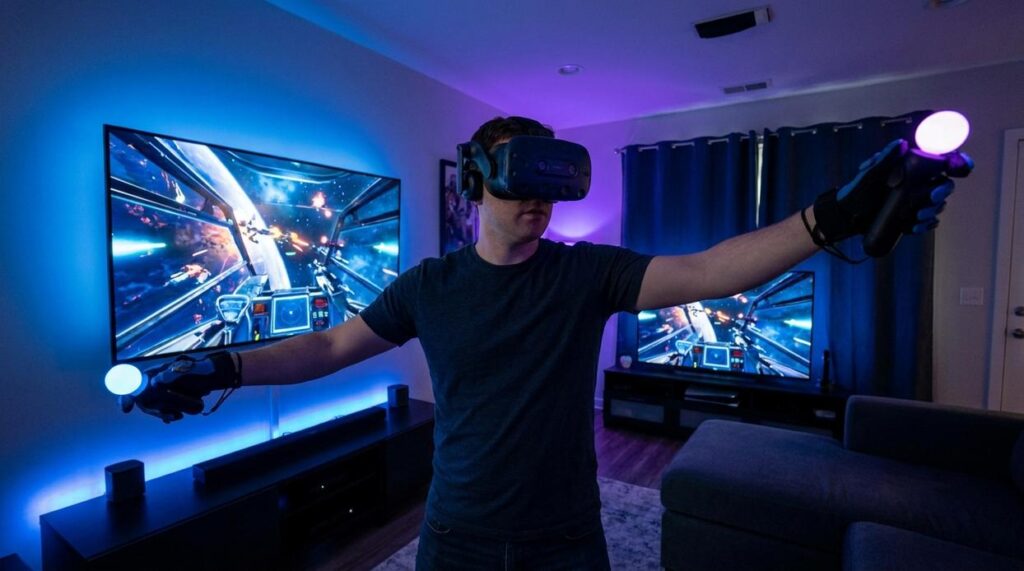
Sit in the cockpit. Grab the wheel or flight stick.
You can look left to check your mirrors. Glance right to spot a competitor pulling alongside you. Crane your neck to see above you as another plane screams past.
Speed feels real when you can see the ground rushing beneath you through the canopy. Height feels real when you look straight down from 10,000 feet.
A flat screen can’t give you that. It just can’t.
My recommendation?
Start with a rhythm game. They’re easy to pick up and they’ll show you what your body can do in VR.
Then try a puzzle game to understand how object manipulation works.
Save the intense stuff like racing sims and shooters for when you’ve got your VR legs. Trust me on this one.
How to Critically Watch a VR Gameplay Video
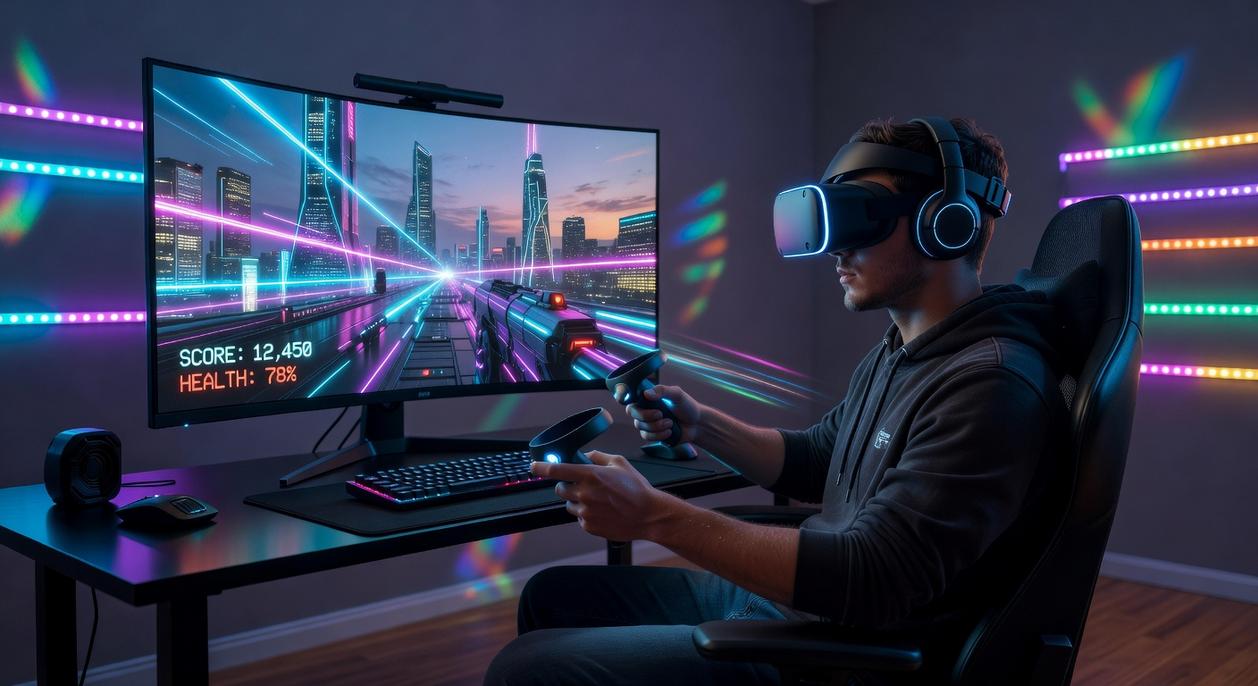
Most people watch VR gameplay videos the same way they watch regular game footage.
That’s a mistake.
What you see on your screen is nothing like what the player actually experiences. You’re looking at a flat window into a 3D world, and if you don’t know what to look for, you’ll miss everything that matters.
I’ve watched thousands of VR gameplay videos. Here’s what separates the people who know what they’re doing from those who just hit record.
Watch the hands first.
Not the explosions. Not the scenery. The hands.
Do the fingers wrap around objects when the player grabs them? Or do items just stick to flat palms like magnets? This tells you more about immersion quality than any graphics setting ever will.
Some games at vrstgameplay render every finger movement. Others give you floating controller models. The difference is huge when you’re actually in the headset.
Check how the player moves around.
Are they walking smoothly or blinking from spot to spot? Both work, but they feel completely different.
Smooth locomotion (walking with a thumbstick) looks natural in videos but can make new players sick. Teleportation looks choppy on YouTube but feels comfortable for almost everyone.
Physical turning versus snap turning is the same deal. If the player’s view suddenly rotates 45 degrees, that’s snap turning. It looks weird in videos but saves you from twisting your cable into a knot.
Remember what you’re not seeing.
That YouTube video shows maybe 80% of what’s in the headset. The peripheral vision is gone. The sense of scale is flattened.
A giant robot that looks cool in a video? In VR, it towers over you like a building. Your brain knows the difference even if your eyes can’t explain it.
Look for the player’s body.
Does the game show virtual arms? Legs? A torso when you look down?
Some games skip this entirely. You’re just a floating camera with hands. Others render a full body that moves with you.
Seeing your own virtual body might seem like a small thing. But it changes how your brain processes the space. You feel like you’re in the game instead of just controlling it.
(It’s the difference between watching a movie and being on set.)
Now here’s what most reviewers won’t tell you.
A game can look boring in flat video and be incredible in VR. Or the opposite. Graphics that pop on a monitor can feel empty in a headset if the interaction isn’t there.
That’s why you can’t judge VR games the same way you judge everything else.
Pay attention to what the player does, not just what they see.
Navigating the Challenges: What Demos Don’t Always Show
Look, I need to be honest with you.
Those slick VR demos you see online? They skip over some stuff that matters.
The Motion Sickness Reality
First up is motion sickness. Or as the community calls it, getting your VR legs.
When you’re moving in a virtual world but standing still in your living room, your brain gets confused. Some people handle it fine. Others feel queasy after five minutes.
Here’s my take. This isn’t a dealbreaker, but you need to know it exists before you drop money on vrstgameplay experiences.
The good news? Most games now include comfort settings. Teleport movement is your friend here. Instead of smooth walking (which triggers nausea for many), you just point and jump to spots. It feels weird at first, but it works.
Space Is Actually a Big Deal
Then there’s the physical space issue.
Room-scale games need actual room. Not just a little corner. You’re going to be moving around, reaching, ducking.
I’ve seen too many people buy VR setups without measuring their space first. They end up punching walls or tripping over furniture. (Your coffee table is not going to survive.)
Gameplay videos never show you the player’s actual room. They just show the cool virtual environment.
But trust me on this. Clear out a safe play area before you start. It’s not optional.
From Spectator to Virtual Adventurer
You came here wondering what VR gameplay actually looks like.
Now you know how to read it. You understand immersion, interaction, and movement. You can spot the difference between a good VR experience and a mediocre one.
But here’s the thing: watching VR and playing VR are worlds apart.
The gap feels huge when you’re standing on the outside. Now you have the tools to cross it.
When you watch gameplay demos, look for hand presence. Check how players move through space. Notice how they interact with objects and environments.
These details tell you everything about whether a game will work for you.
vrstgameplay exists because VR needs better ways to show what it feels like. We bridge that gap between watching and experiencing.
Here’s your next move: Find a game that excites you based on what you’ve learned. Look for the mechanics that matter to you. Then try it yourself.
The best demonstration is the one you experience firsthand. Take what you know and step into a new reality.